
Do my files leave this browser?
Files stay in this browser. There is no upload or remote conversion.
Images to AVIF
Convert PNG, JPEG, WebP, HEIC or GIF to an 8-bit AVIF image locally, with quality control and transparency.
PNG/JPEG/WebP/HEIC/GIF · 1 × 20 MiB · ≤4096 px · ≤4 MP · GIF/animated WebP ≤2 MP · ≤150 frames · Σ≤24 MP · 60 s
Preview
Only the first image/frame is exported for HEIC collections, GIF and animated WebP. Lossy 8-bit AVIF; alpha retained. No HDR, metadata or ICC copying.
Actual source, generated file and a selected-page preview.
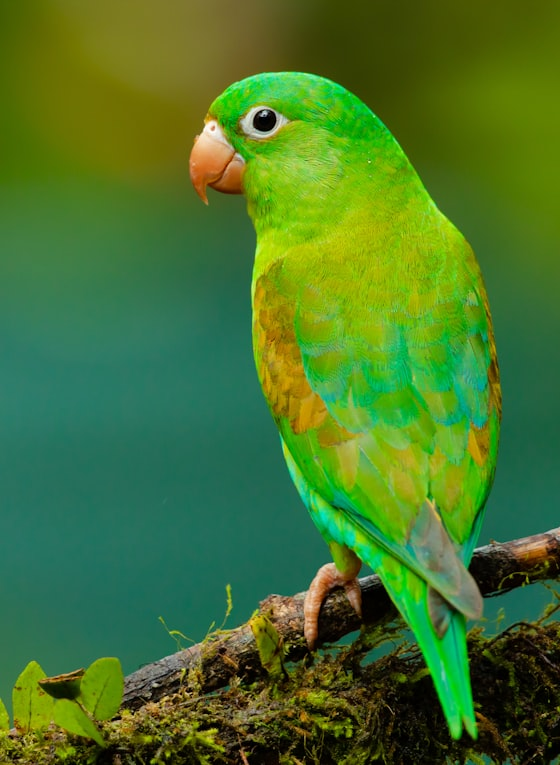
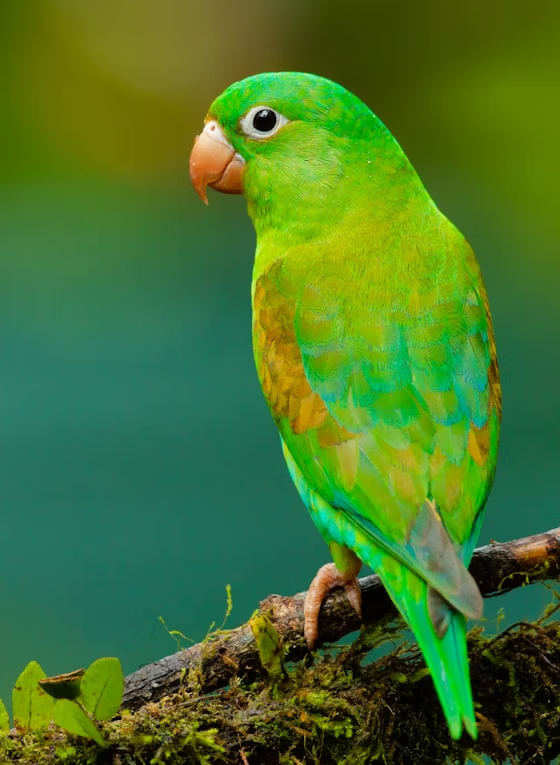
Example settings: quality: 70
Previews show the listed page or entry. Download the original files to inspect all content.
Convert PNG, JPEG, WebP, HEIC or GIF to an 8-bit AVIF image locally, with quality control and transparency.
Only the first image/frame is exported for HEIC collections, GIF and animated WebP. Lossy 8-bit AVIF; alpha retained. No HDR, metadata or ICC copying.
Select one local file and check dimensions and frame limits.
Choose the available quality or output format, then convert. Cancel and retry if needed.
Play or pause the exported preview, compare the result and download a copy. Keep the original.
questions
Files stay in this browser. There is no upload or remote conversion.
PNG/JPEG/WebP/HEIC/GIF · 1 × 20 MiB · ≤4096 px · ≤4 MP · GIF/animated WebP ≤2 MP · ≤150 frames · Σ≤24 MP · 60 s
Only the first image/frame is exported for HEIC collections, GIF and animated WebP. Lossy 8-bit AVIF; alpha retained. No HDR, metadata or ICC copying.