
trending
Trending splitters
Pick a popular image and test the splitter instantly.
Splitter Studio
☞ runs entirely in your browser — nothing is uploadedJPG · PNG · WebP · HEIC (if your browser supports it) — split image into grid tiles instantly
Tip: you can also paste an image with ⌘V / Ctrl+VDrag to move · Scroll or use the buttons to zoom & rotate
Layout
Tile ratioAdjust
Background fill
Your tiles & posting order
Export
Formatgrid presets
Popular grid layouts to split an image into tiles
From a 1x3 image splitter for TikTok banners to a 3x3 image splitter that splits an image into 9 parts for your Instagram grid — pick a preset and OneImageTool handles the slicing.
every social format
One image splitter, every social format
OneImageTool works as a TikTok repost banner maker, an Instagram grid maker, and a carousel image splitter — all in one free tool.
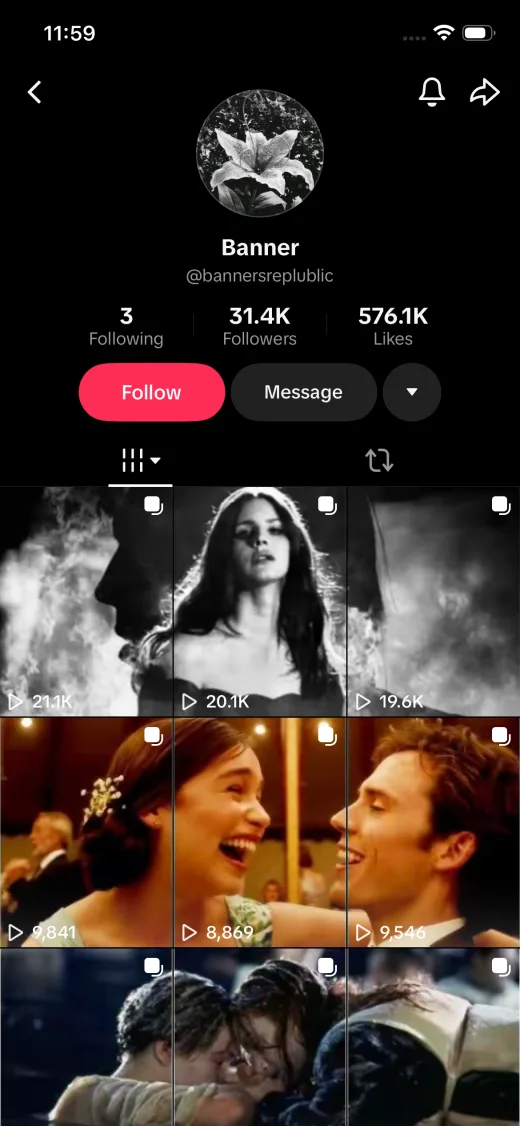
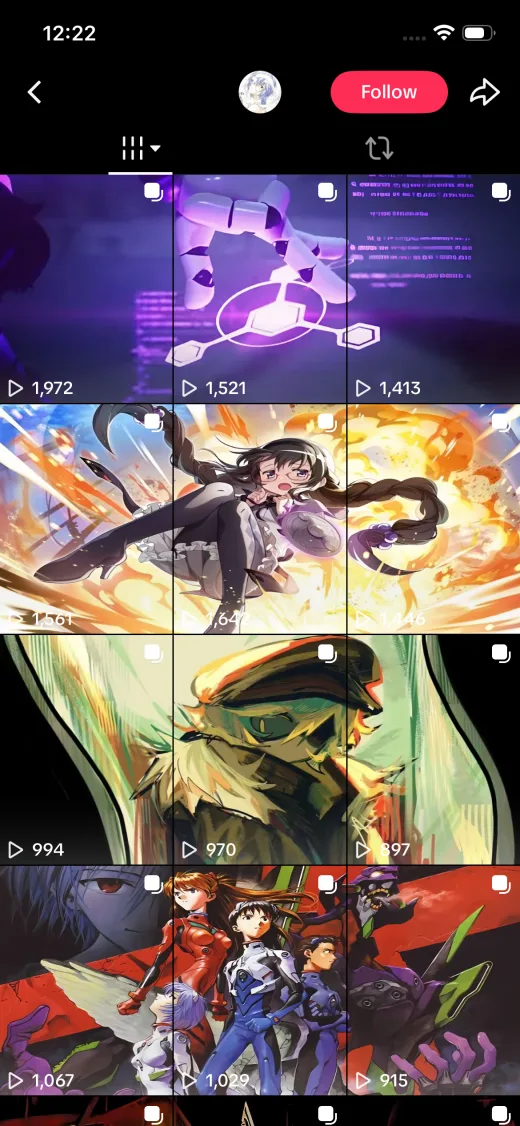
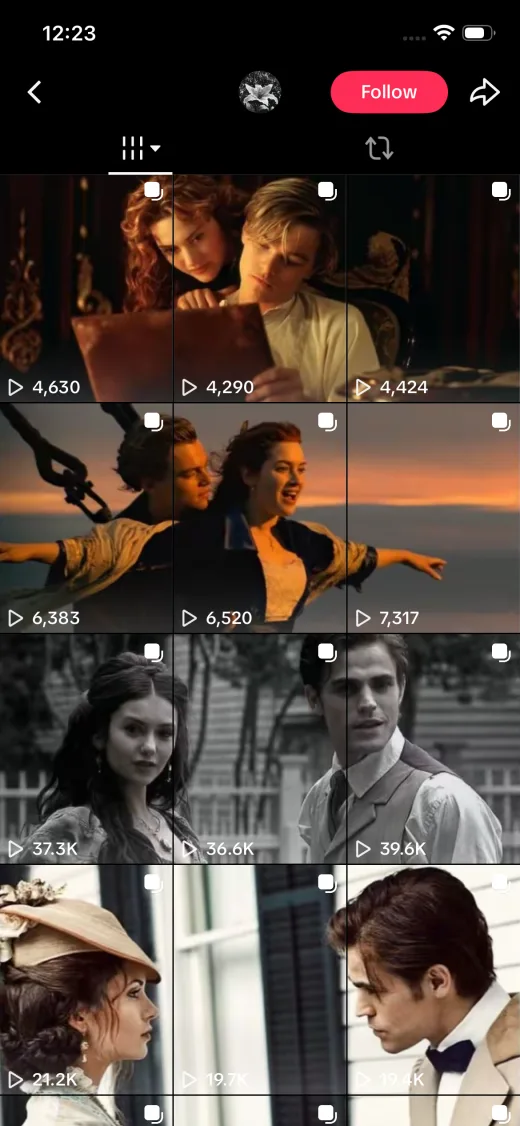
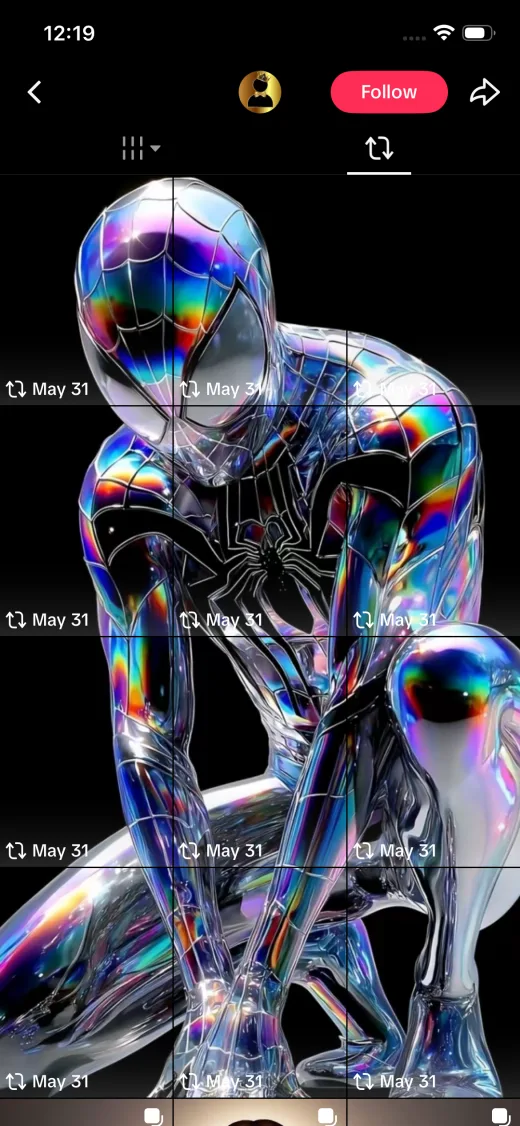
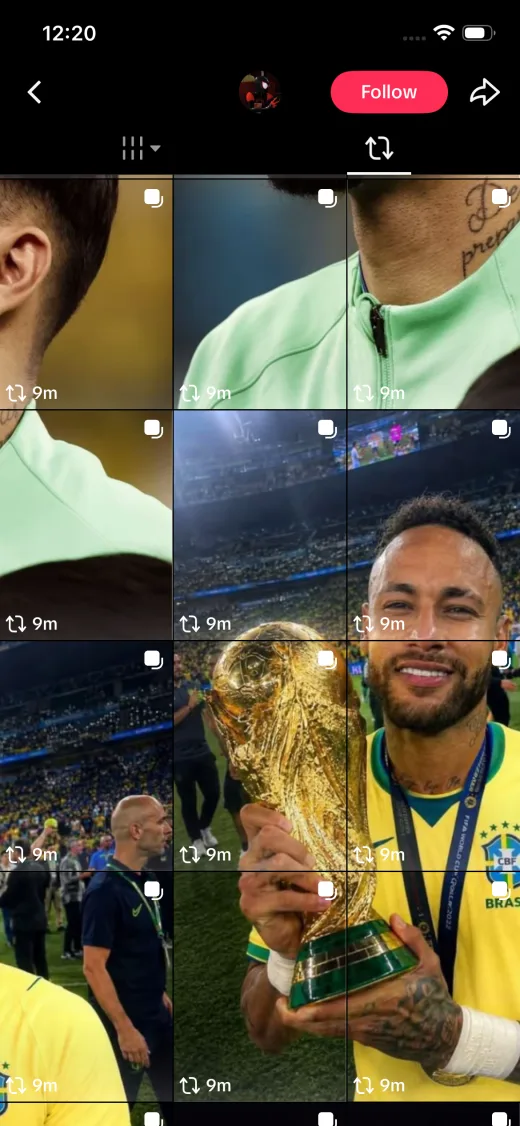
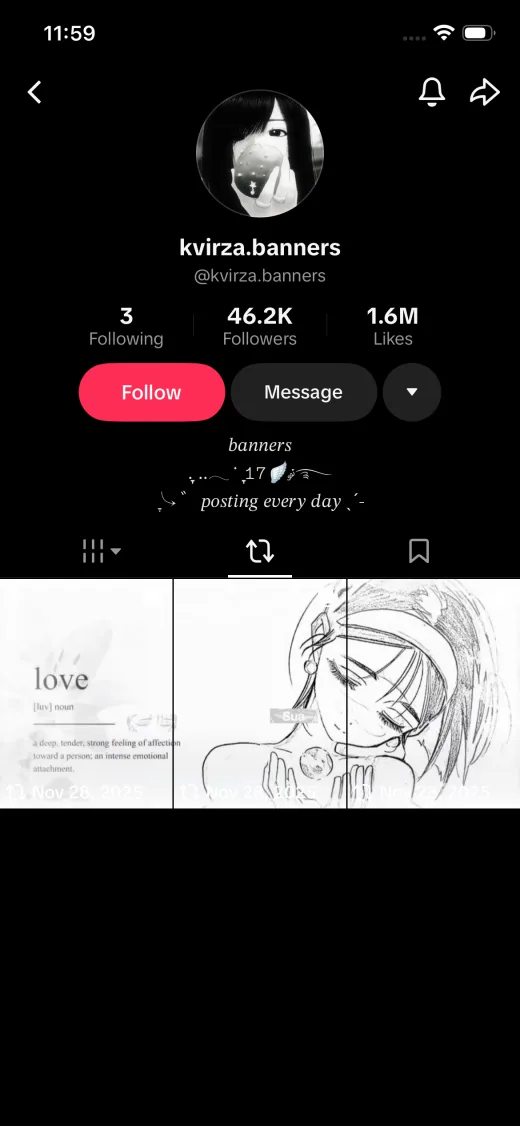
TikTok Repost Banner
Split a wide image into a 1x3 TikTok banner. Pin the three tiles to the top of your profile for a seamless header that grabs attention.
Instagram Grid
Turn one photo into a 3x3, 3x4, 3x5, or 3x6 Instagram grid. Post the tiles in the order we give you and your profile assembles into one big image.
Carousel Slides
Slice a panorama into seamless swipeable carousel slides for Instagram, LinkedIn, or X. Export in square, widescreen, or vertical ratios so nothing gets cropped by the app.
Custom Grids
Need a taller profile grid? Pick Custom and choose 4×3 through 9×3 — three columns with four to nine rows for extended Instagram takeovers.
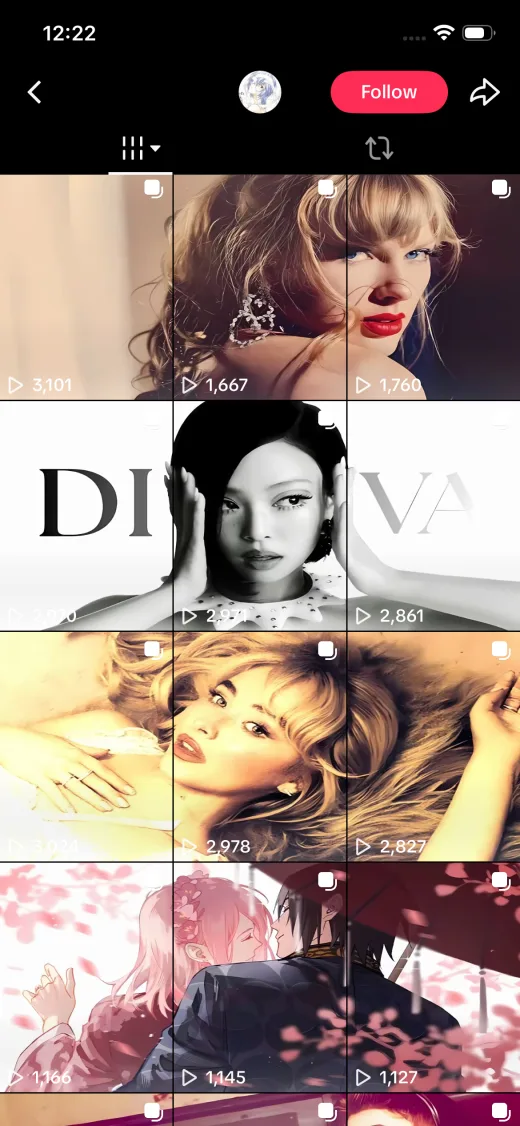
no cropping
Image doesn't fit the grid? Expand it.AI coming soon
When your photo's aspect ratio doesn't match the target grid, most tools force you to crop. OneImageTool gives you smarter options today — and an AI image expander is on the way to fill the empty space with generated content that matches your photo.
- Available now: blurred background fill that extends your photo's own colors
- Available now: solid color, gradient, or transparent PNG padding
- Coming soon: AI expand image to fit grid — outpaint the edges automatically
four steps
How to split an image into a grid
Four steps from a single photo to a repost-ready grid — no account, no software install, no watermark.
Upload your image
Drag & drop or click to upload a JPG, PNG, WebP, or HEIC photo. Everything is processed locally in your browser.
Choose a layout
Pick 1x3 for a TikTok banner, 3x3 for an Instagram grid, or set a custom rows × columns layout with your preferred tile ratio.
Crop & adjust
Move, zoom, and rotate your photo. Use Fit to keep everything visible or Fill for edge-to-edge tiles, and pick a background fill.
Download & post
Download the image tiles one by one or as a ZIP, then post them in the numbered posting order so your grid assembles perfectly.
Splitting a tall screenshot or an ecommerce detail page instead of a social grid? The long image splitter is built for vertical slicing at custom heights. And if the exported tiles come out heavier than you expected, compress the images before posting — smaller files upload faster and platforms re-compress them less aggressively.
1080px tiles
Recommended image dimensions
OneImageTool exports every tile at 1080px wide — the resolution Instagram and TikTok recommend. For the sharpest results, upload an image at least as large as the total grid size below.
| Layout | Best for | Tiles | Tile size (1:1) | Ideal upload size |
|---|---|---|---|---|
| 1×3 | TikTok repost banner, 3-slide carousel | 3 | 1080 × 1080 | 3240 × 1080 or larger |
| 1×4 | Four-slide Instagram or LinkedIn carousel | 4 | 1080 × 1080 | 4320 × 1080 or larger |
| 2×2 | Compact four-tile collage | 4 | 1080 × 1080 | 2160 × 2160 or larger |
| 2×3 | Two-row Instagram grid feature | 6 | 1080 × 1080 | 3240 × 2160 or larger |
| 3×3 | Classic 9-tile Instagram grid | 9 | 1080 × 1080 | 3240 × 3240 or larger |
| 3×4 | Tall Instagram grid takeover | 12 | 1080 × 1080 | 3240 × 4320 or larger |
| 3×5 | Extended profile mural | 15 | 1080 × 1080 | 3240 × 5400 or larger |
| 3×6 | Full-profile grid takeover | 18 | 1080 × 1080 | 3240 × 6480 or larger |
quick answers
Frequently asked questions
How do I split an image into a grid?
Upload your image to OneImageTool, choose a grid layout such as 3x3, then adjust the crop with Fit, Fill, zoom, or rotate. Your tiles update automatically, and you can download every tile individually or grab them all in one ZIP, already numbered in the right posting order.
How do I make an Instagram grid from one photo?
Instagram profile grids are 3 tiles wide. Pick a 3x3, 3x4, 3x5, or 3x6 layout, split your photo, and post the tiles in reverse order — the tile numbered 1 goes up first. Because Instagram shows the newest post first, your image will assemble correctly on your profile.
How do I make a TikTok repost banner?
Choose the 1x3 layout to split a wide image into three tiles. Post them to TikTok in the numbered order OneImageTool gives you (right tile first) so the banner reads left to right across the top of your profile grid.
Is OneImageTool free? Do you add watermarks?
Yes — OneImageTool is a completely free image splitter with no watermarks, no sign-up, and no upload limits.
Are my photos uploaded to a server?
No. OneImageTool splits images entirely in your browser using the HTML5 canvas. Your photos never leave your device, which also makes it fast — even for an 18-tile 3x6 grid.
What image formats are supported?
JPG, PNG, and WebP work in every modern browser. HEIC works in browsers that decode it natively (such as Safari). You can export tiles as JPG, PNG, or WebP — including transparent PNG or WebP output.
What is posting-order.txt in the ZIP?
Every ZIP download includes a posting-order.txt file alongside the numbered tiles. It explains whether you are building a profile grid or a carousel, which tile to post first, and the exact layout dimensions — so you can follow the correct order even after closing the browser.
Can I use a custom grid size?
Yes — pick Custom in the layout row and choose 4×3 through 9×3 (three columns, four to nine rows). Set the tile ratio separately for square Instagram posts, vertical 9:16 stories, or widescreen carousel slides.
Does the image splitter work on a phone?
Yes — OneImageTool runs in your mobile browser. Upload from your camera roll, preview tiles, and save them to your device. For large 3×6 grids, a desktop browser may feel faster, but nothing is uploaded to a server either way.
Ready to split your image into a grid?
Upload a photo, choose a TikTok banner or Instagram grid layout, then download numbered tiles in the right posting order.