
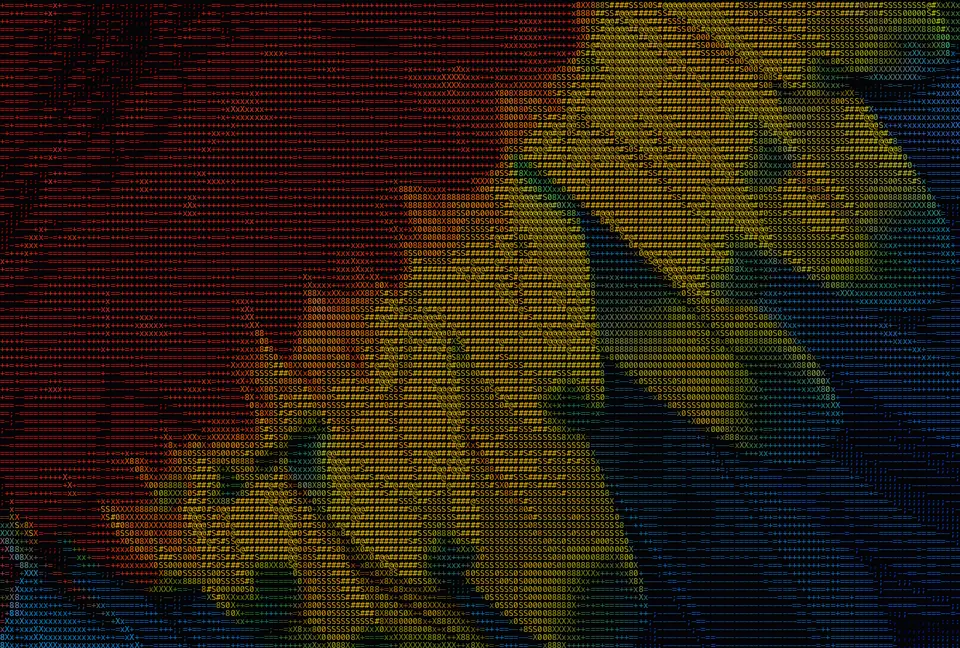
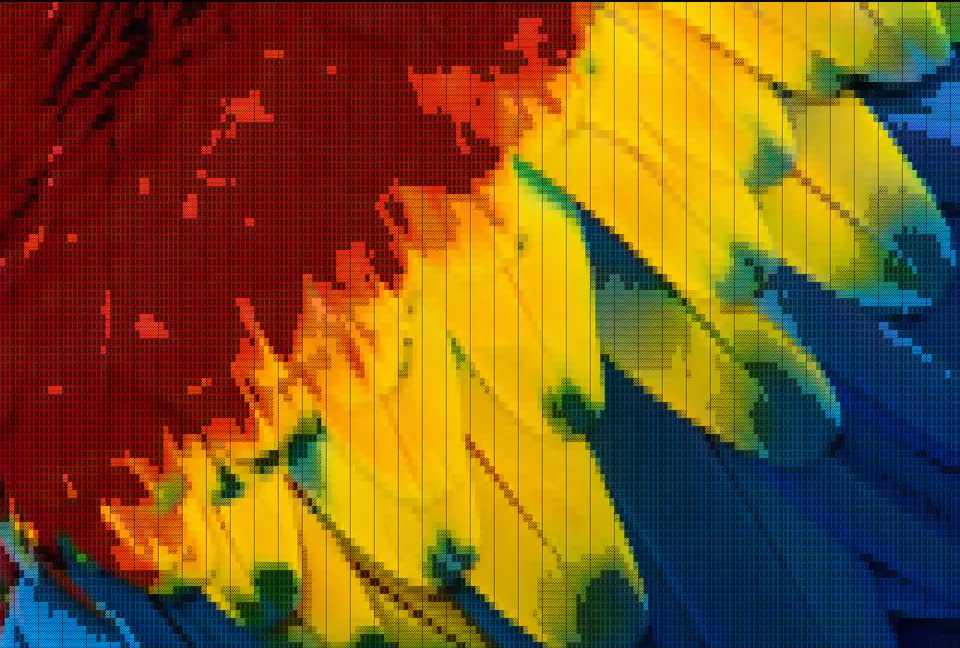
Social & avatars
Turn a photo into an ASCII portrait for your X, Discord or Reddit profile, or a post that actually stops the scroll. Copy it as plain text or save a crisp PNG.
Free Online ASCII Art Generator · No Watermark · No Sign-up
Turn any photo into ASCII art on your own device — no signup, nothing uploaded.
100% in your browser — your photos never leave your device. Supports JPG, PNG & WebP.
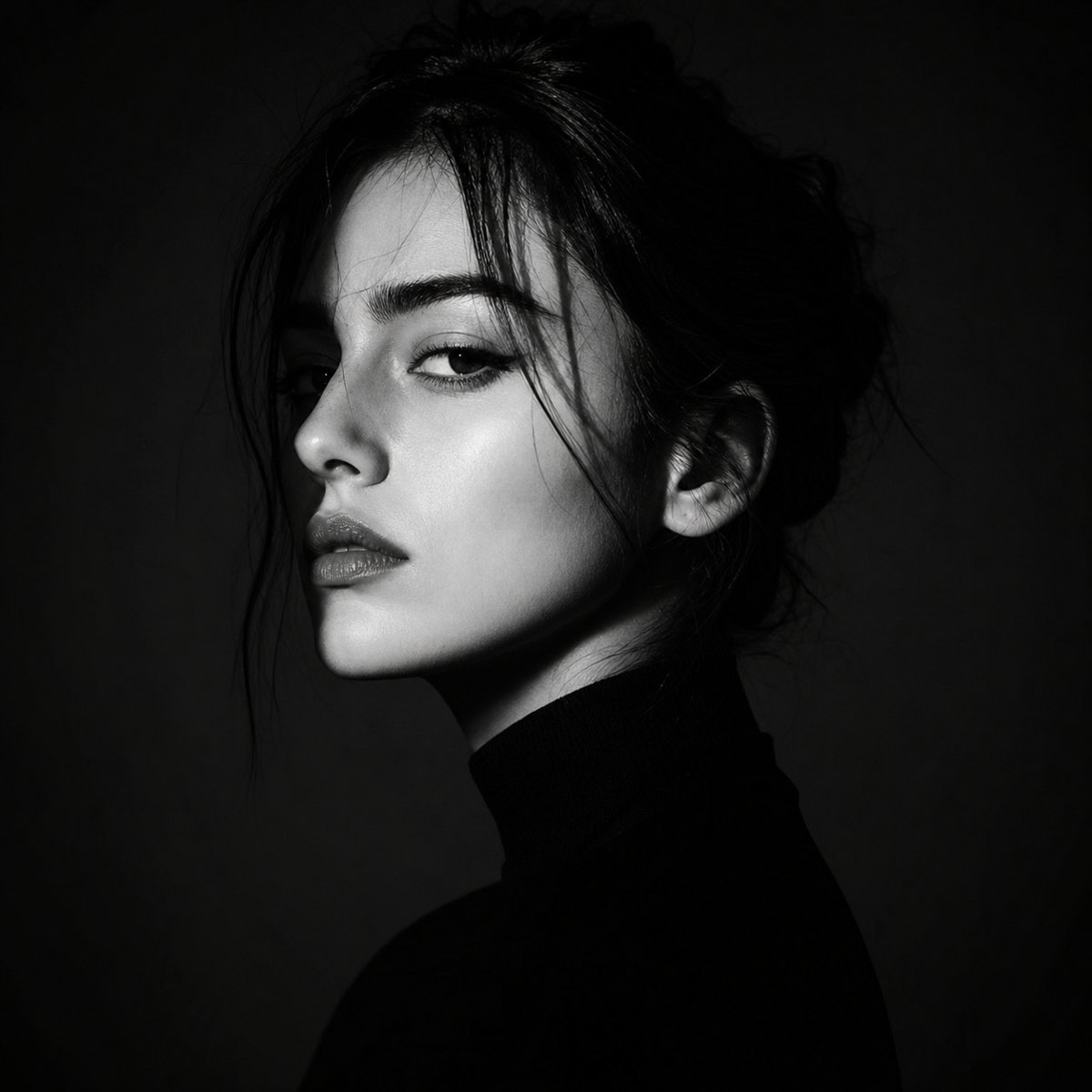 Before
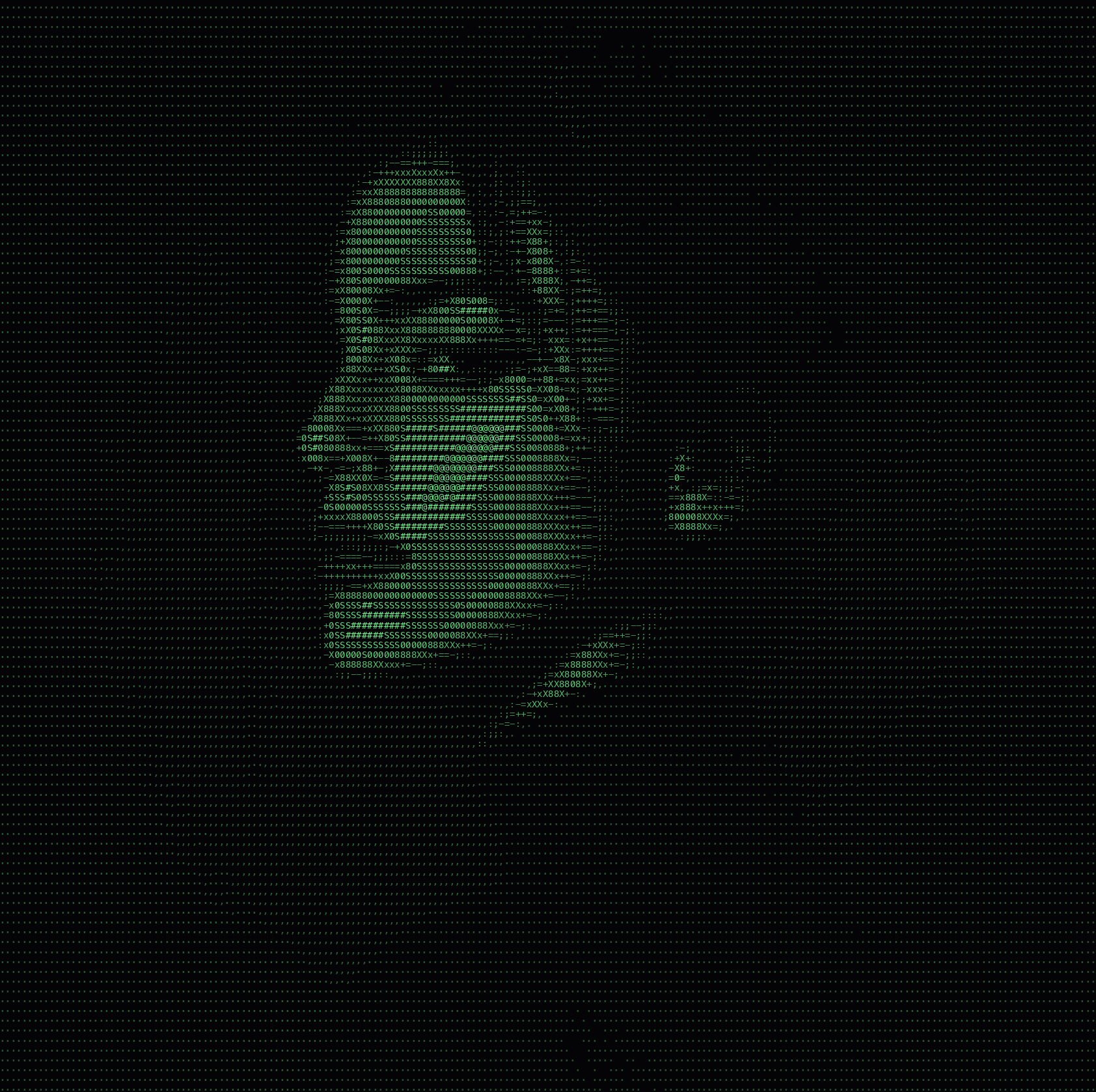 After
After/ IMAGE TO ASCII
Upload a photo and convert it to text art right in your browser. Free, no signup.
Try a sample photo
No image handy? Click a thumbnail to load it in the converter.
usecases
Turn a photo into an ASCII portrait for your X, Discord or Reddit profile, or a post that actually stops the scroll. Copy it as plain text or save a crisp PNG.
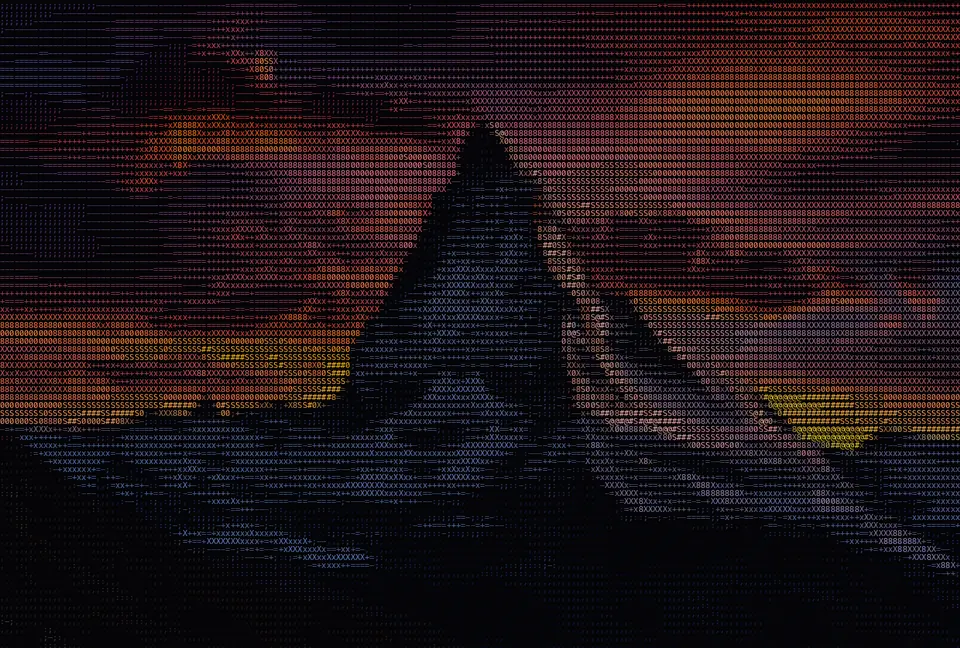
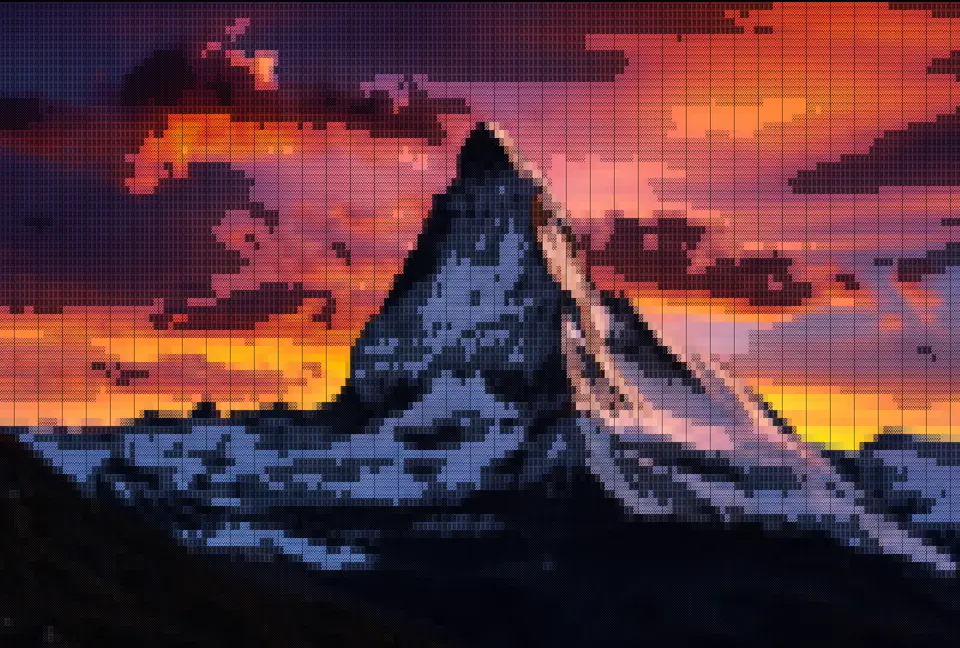
Make a one-of-a-kind desktop or phone wallpaper from any picture. Pick a style, push the detail, and download a high-resolution PNG, no sign-up and no watermark.
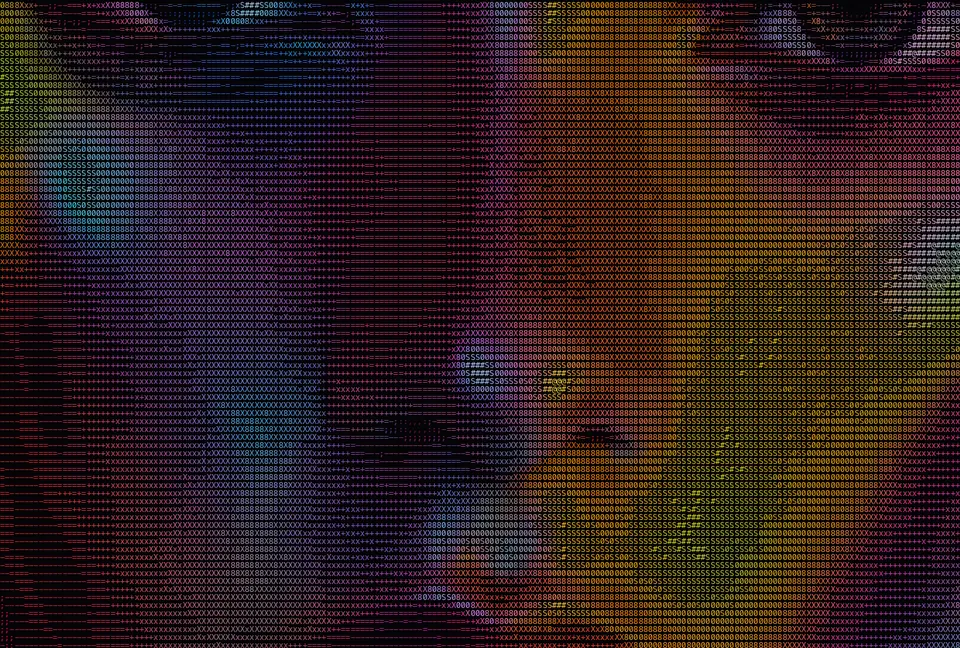
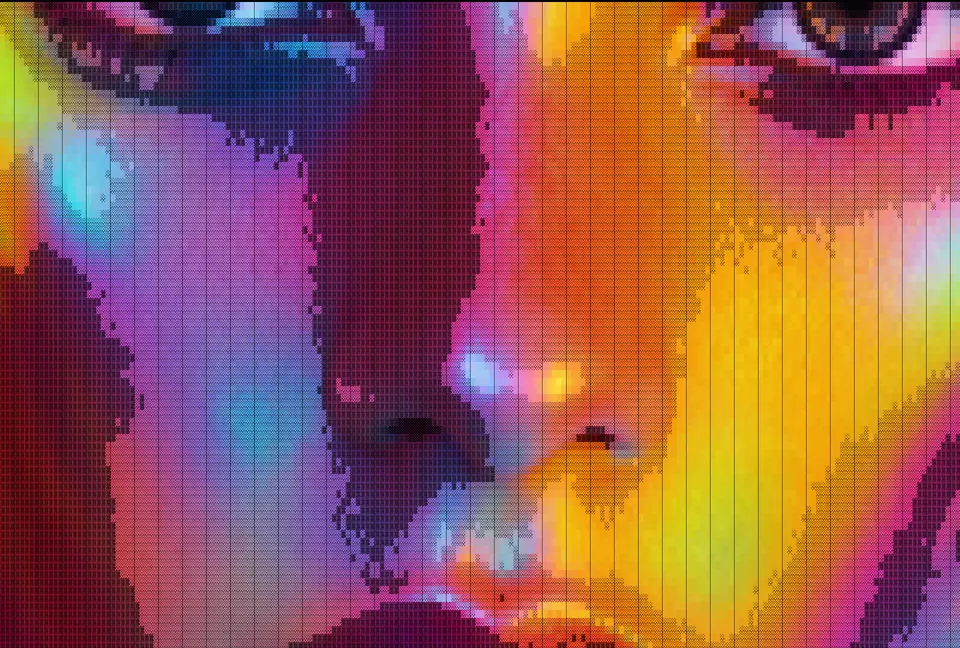
Blow an ASCII render up into a poster, sticker or zine page. The high-contrast character grid stays razor-sharp all the way to large-format print.
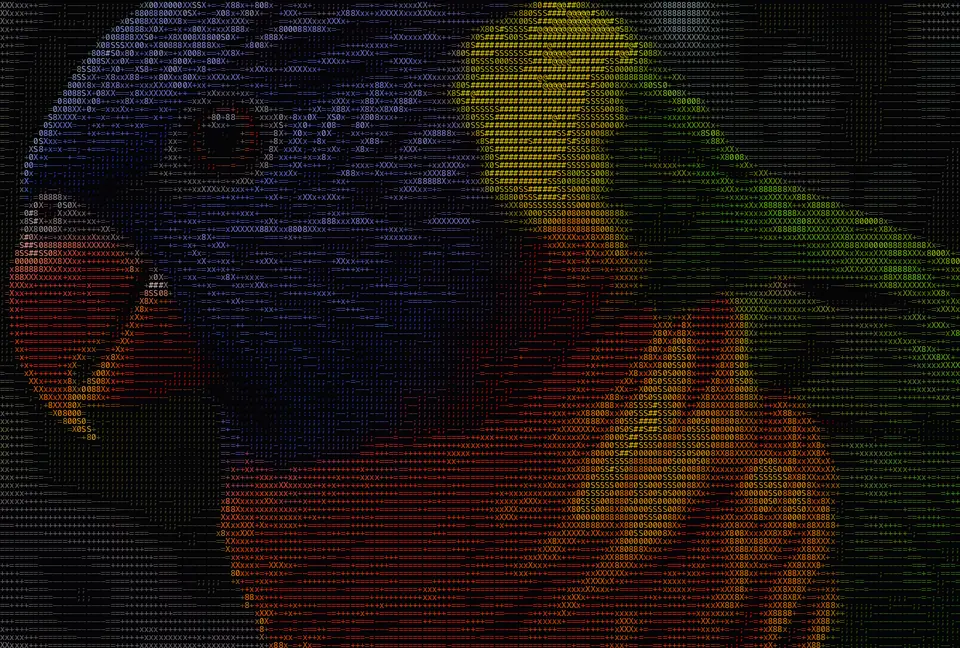
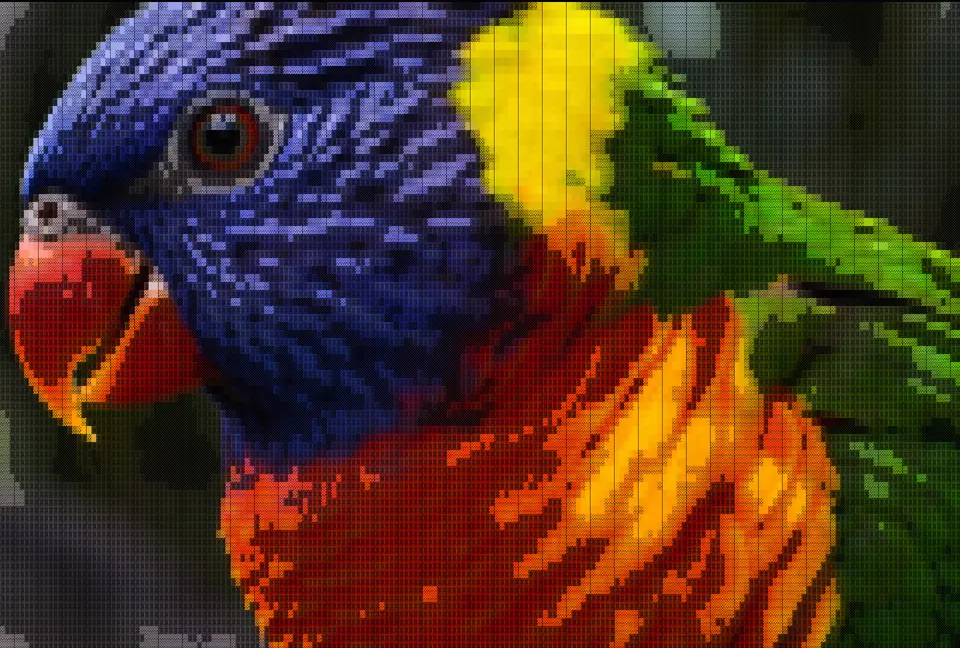
Print an ASCII render on a tee, tote or mug. The character grid holds up crisp at any size, from a badge to a full back print.
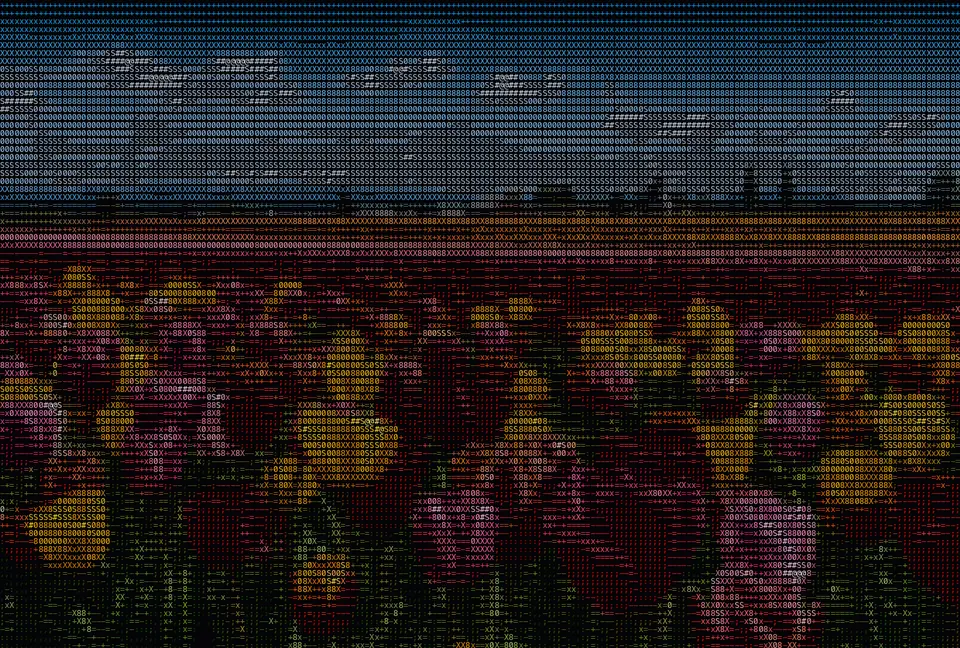
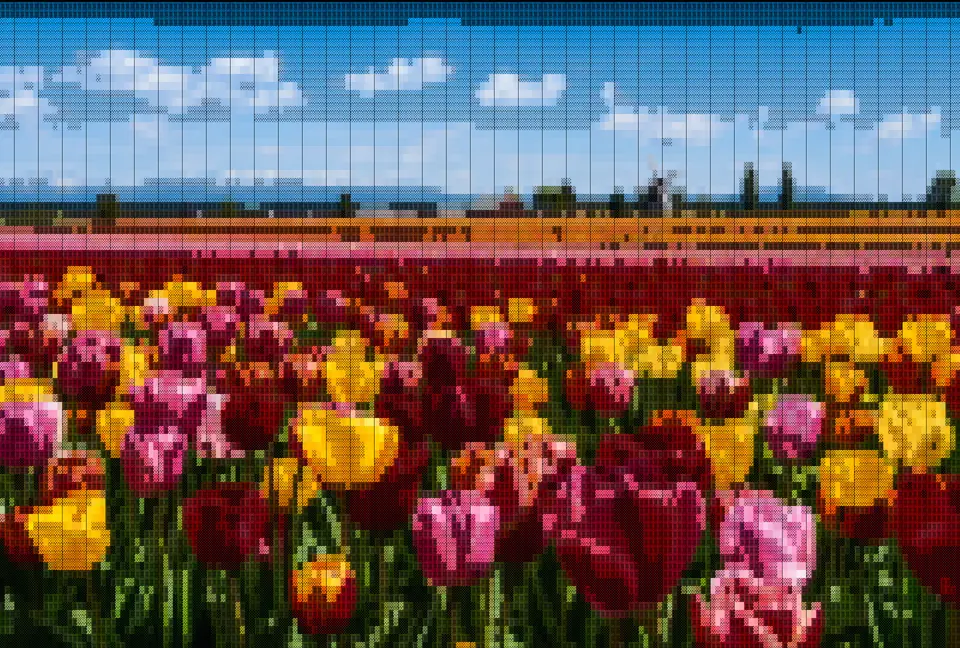
Drop an ASCII banner into a GitHub README, a CLI splash screen or your dotfiles. Copy the raw text and paste it straight in, no image hosting needed.
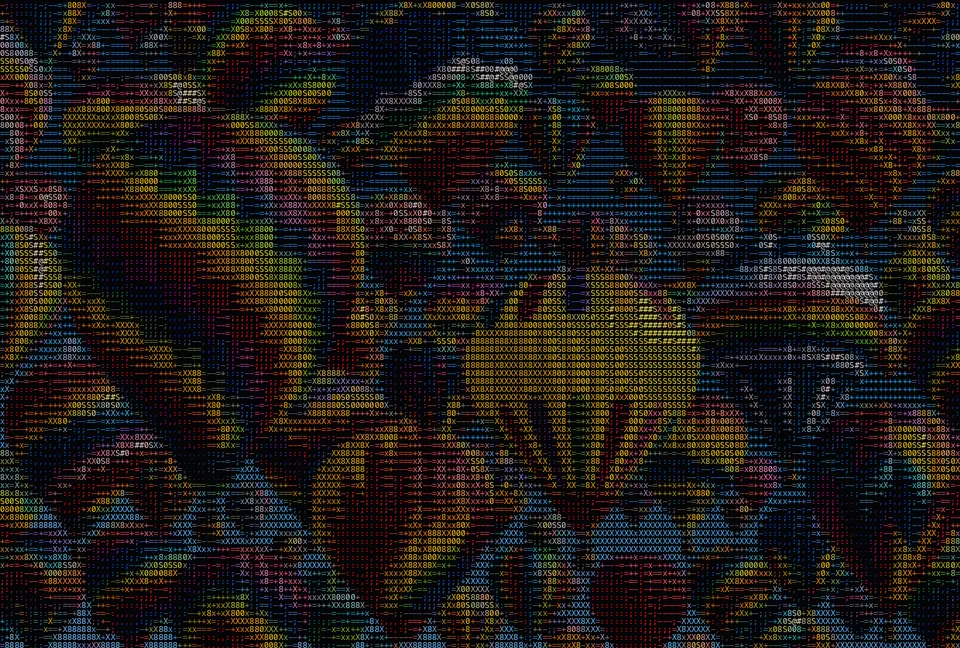
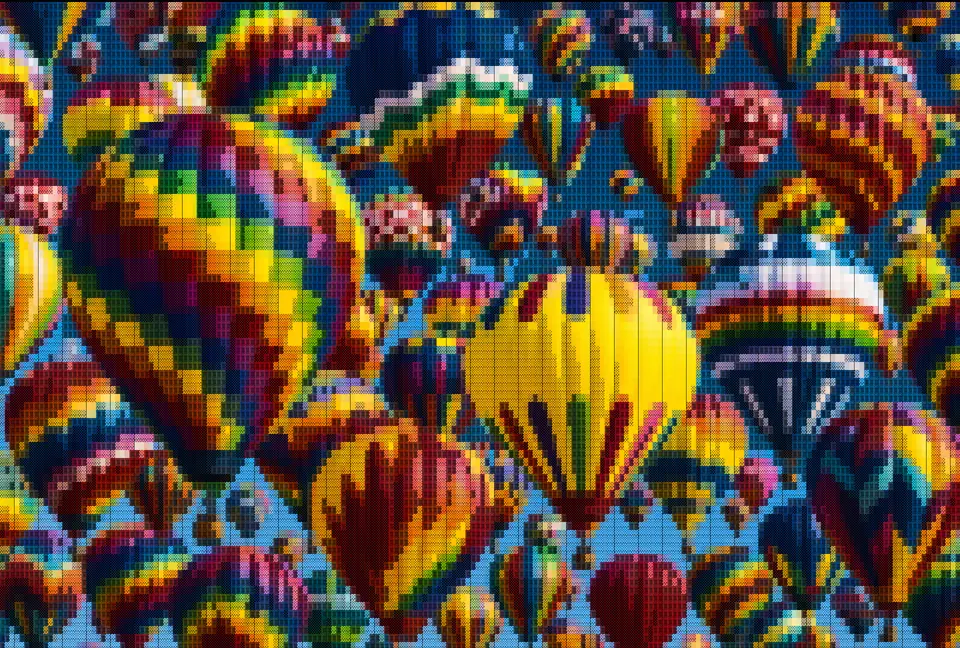
Turn a photo into cover art for a playlist, mixtape or zine. Bold, textural and unmistakably yours, exported at full resolution.
character sets
Each ramp maps brightness to glyphs from dense to sparse. Pick the look that fits your export.
Classic terminal look — balanced detail for most photos and avatars.
About 70 glyphs for smooth gradients on portraits and landscapes.
Unicode block elements for bold, high-contrast posters and logos.
Only four characters — clean, chunky output for README banners.
color modes
Toggle Color to keep each cell's original RGB in the PNG export, or turn it off for classic green-on-black terminal art.
Each character keeps the sampled RGB from your photo — great for wallpapers, social posts, and prints.
One foreground color on a dark canvas — ideal for copying plain text into chat, code, or a README.
Flip the brightness mapping when your source photo is mostly light or you want a negative look.
how-it-works
ASCII art is a picture made entirely out of text characters. The image to ASCII converter on this page looks at your photo one small cell at a time, measures how bright each cell is, and swaps it for a character from a ramp that runs from dense to sparse — a solid @ stands in for the darkest areas and a light . or a blank space for the brightest. Line those characters up in a grid and the original picture reappears, drawn in nothing but type. Because every step runs in your browser on an HTML5 canvas, the image to ASCII conversion is instant and your photo never leaves your device.
Drag a JPG, PNG or WebP onto the drop zone, or click to browse, and it is converted the moment it loads. Use a high-contrast photo for the best results.
The tool ships four character styles. Characters is the classic look, mapping brightness to a ramp such as @#S08Xx+=-;:,. Detailed uses a much larger set of glyphs for fine gradients. Block Chars swaps in half and full block glyphs for a bold, dense feel, and Minimal keeps only a handful of characters for a clean, high-contrast result. Push the detail slider, flip Invert, and turn Color on or off.
High-contrast images with one clear subject convert best — a face, an animal, a logo or a bold silhouette will always read more clearly than a busy, low-contrast scene. If your first ASCII art looks muddy, raise the detail, try the Detailed character set, or toggle Invert.
Text art has a life far beyond the terminal. People drop ASCII renders into GitHub READMEs and code comments, use them as retro website hero backgrounds and 404 pages, post them on social media for a distinctive, on-brand look, print them as posters and zines, and set them as desktop or phone wallpapers. Because the output of the image to ASCII converter is just characters (or a PNG of them), it fits anywhere text or an image can go — a post, a chat message, a slide or a sticker. If you are building a retro-styled site, the image to icon converter can turn the same artwork into a matching favicon and app icon pack.
The characters that make up ASCII art are chosen for their visual weight — how much ink each one puts on the page. A dense character like @, # or a block glyph reads as a dark tone, while a thin character like ., :, ; or a blank space reads as a light tone. Arrange them from dark to light and you have a grayscale ramp that any brightness value can map onto. The classic ramp is @#S08Xx+=-;:,. but you can type your own set of characters into the image to ASCII tool and watch the output change in real time: a longer ramp gives smoother gradients, and a shorter one gives a punchier, more graphic look.
Image to ASCII art and pixel art both simplify a picture into a grid, but they use different building blocks. ASCII art fills each cell with a text character chosen by brightness, so the result reads like printed type and can be copied as plain text. Pixel art fills each cell with a solid block of colour, so it reads like an 8-bit video game and only works as an image. This converter focuses on the text-character approach, which is why every image to ASCII result can be exported as a PNG or copied straight into a README, a chat or a code comment. If the solid-colour look is what you are after, the pixel art converter turns the same photo into palette-based pixel art instead.
The image to ASCII converter is completely free. There is no signup, no watermark and no export limit, and the ASCII conversion itself runs entirely on your own device, so your uploaded photo is never sent to a server.
Download a high-resolution PNG for wallpapers and prints, or copy the raw ASCII text to paste into Discord, GitHub READMEs, or terminal splash screens. Both exports update instantly as you adjust detail, charset, invert, or color. If the exported PNG is heavier than a website or upload form allows, run it through the free image compressor — like this converter, it works entirely in your browser.
faqs
Image to ASCII is a free online tool that turns any image into text-based ASCII art. Upload a photo, pick a character style, and the conversion happens instantly in your browser. Export it as a PNG or copy the raw text.
Open the tool at the top of this page, drop or select an image, and it is converted to ASCII automatically. Adjust the detail, character set, invert and color, then download the PNG or copy the text. Works with JPG, PNG and WebP.
It is completely free — no signup, no watermark and no export limit. Just open the page and start converting.
When you upload your own image the ASCII conversion runs entirely in your browser, so the file never leaves your device.
Export the result as a PNG image, or copy it as plain text to paste anywhere — chat, code, a README or social. The ASCII art you make is yours to use, personally or commercially.
Characters works for most photos. Detailed adds smoother shading with about 70 glyphs. Block Chars gives a bold mosaic using Unicode block characters. Minimal keeps only four symbols for high-contrast banners and README headers.
With Color on, each character in the PNG keeps the sampled RGB from your photo — ideal for wallpapers and social posts. With Color off, the export uses one foreground color on a dark background, which is easier to copy as plain text.
Before mapping characters, the engine finds the darkest and brightest pixels in your image and stretches that range across the full charset. Low-contrast photos gain visible detail without manual curves or sliders.
Yes — open the page in any modern mobile browser, upload from your camera roll, and download the PNG or copy the text. Processing stays on your device; nothing is uploaded to a server.
Every slider, every style, every effect updates the preview instantly, export at up to 4× resolution. Free forever.
Try it out now