
Are my files uploaded?
No. Generation and processing run in this browser tab. Save the result to keep it.
Add text, images, outlined rectangles and highlights to PDF pages. Original page content stays in place.
PDF · 25 MB
Annotations are overlays, not edits to existing paragraphs or secure redaction. Use Redact PDF to remove sensitive content.
Click the page to position the box, or enter percentages below.
Annotations:
Generate or export a result in the tool, then inspect its actual content here. Only the selected page is rendered.
Actual source, generated file and a selected-page preview.
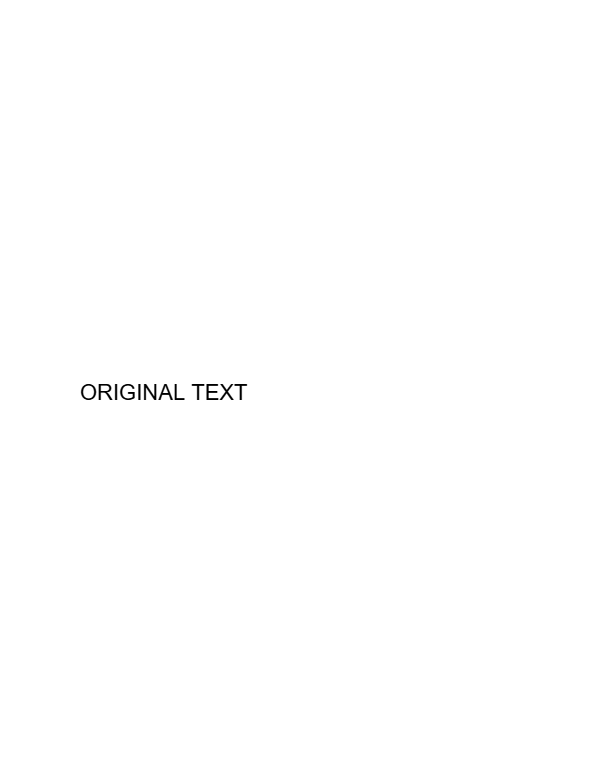
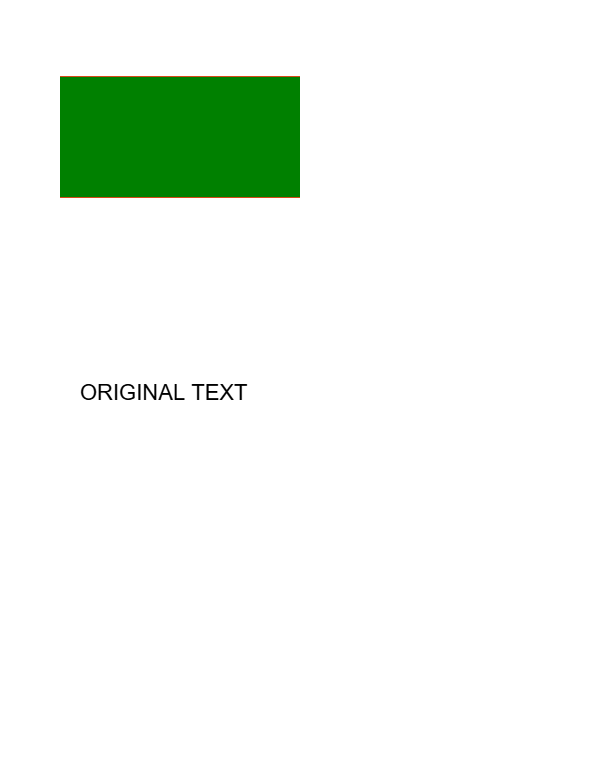
Example settings: annotations: 7 · preserveOriginalText: true
Previews show the listed page or entry. Download the original files to inspect all content.
Add text, images, outlined rectangles and highlights to PDF pages. Original page content stays in place.
PDF up to 25 MB and 100 pages; text up to 500 characters; image up to 10 MB. Text must fit inside its box.
Add text, images, outlined rectangles and highlights to PDF pages. Original page content stays in place.
Annotations are overlays, not edits to existing paragraphs or secure redaction. Use Redact PDF to remove sensitive content.
Download PDF
questions
No. Generation and processing run in this browser tab. Save the result to keep it.