
Do my files leave this browser?
Files and passwords stay in this browser. There is no upload or remote conversion.
TIFF
Combine PNG/JPEG images into a single-page or multipage uncompressed TIFF, locally.
PNG / JPEG · ≤ 20 files · per file ≤ 20 MiB · total ≤ 40 MiB · ≤ 16 MP · ≤ 8192 px
Preview
TIFF stores 8-bit RGBA without compression and may be much larger than the source. Original metadata and colour profiles are not retained; PDF pages become pixels, not editable text. Keep the original.
Actual source, generated file and a selected-page preview.
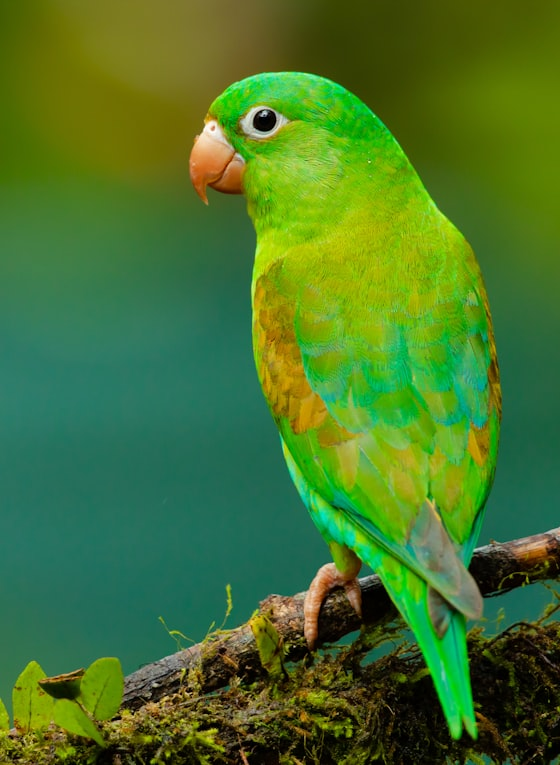
Example settings: inputFiles: 2 · outputFiles: 1 · dpi: 144 · pages: 2 · compression: none · alpha: straight
Previews show the listed page or entry. Download the original files to inspect all content.
Combine PNG/JPEG images into a single-page or multipage uncompressed TIFF, locally.
TIFF stores 8-bit RGBA without compression and may be much larger than the source. Original metadata and colour profiles are not retained; PDF pages become pixels, not editable text. Keep the original.
Select the PNG or JPEG files together. Use Move up and Move down to set the page order.
Preview each image and choose the resolution tag. One image creates one page; multiple images create one TIFF with multiple pages.
Create the TIFF, check its page count and size, then download the new file.
questions
Files and passwords stay in this browser. There is no upload or remote conversion.
PNG / JPEG · ≤ 20 files · per file ≤ 20 MiB · total ≤ 40 MiB · ≤ 16 MP · ≤ 8192 px
TIFF stores 8-bit RGBA without compression and may be much larger than the source. Original metadata and colour profiles are not retained; PDF pages become pixels, not editable text. Keep the original.