
Do my files leave this browser?
Files stay in this browser. There is no upload or remote conversion.
SVG
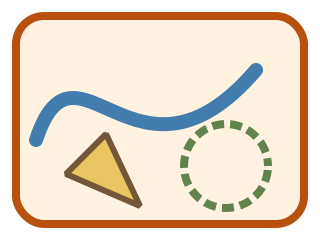
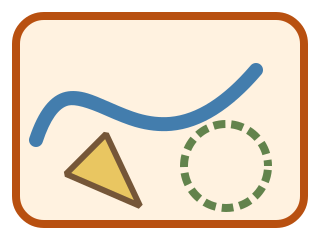
Expand SVG strokes into real filled vector paths, keeping supported curves and transforms.
SVG ≤ 512 KiB · Shapes ≤ 200 · Path characters ≤ 200000 · ≤ 8192 px / 16 MP · stroke-dasharray ≥ 0.25 · PNG ≤ 2048 px
Supports paths, basic shapes, rounded corners, caps, joins, group transforms and positive one/two-value dashes. Rejects text, use, filters, clipping, gradients, non-scaling strokes and stylesheets. Keep the original.
Generate or export a result in the tool, then inspect its actual content here. Only the selected page is rendered.
Actual source, generated file and a selected-page preview.
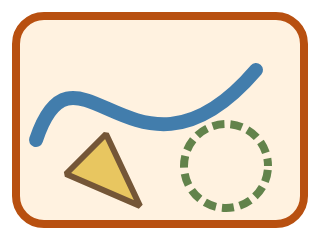
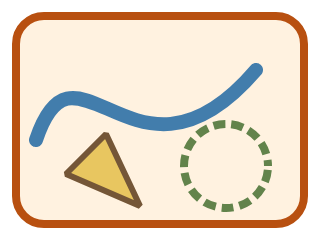
Example settings: inputFiles: 1 · outlinedShapes: 4 · outputFiles: 2
Previews show the listed page or entry. Download the original files to inspect all content.
Expand SVG strokes into real filled vector paths, keeping supported curves and transforms.
Supports paths, basic shapes, rounded corners, caps, joins, group transforms and positive one/two-value dashes. Rejects text, use, filters, clipping, gradients, non-scaling strokes and stylesheets. Keep the original.
Open a plain geometric SVG and check its dimensions.
Expand the strokes and inspect curves, ends, joins and transforms.
Enlarge the original and result to compare them, then download SVG or PNG.
questions
Files stay in this browser. There is no upload or remote conversion.
SVG ≤ 512 KiB · Shapes ≤ 200 · Path characters ≤ 200000 · ≤ 8192 px / 16 MP · stroke-dasharray ≥ 0.25 · PNG ≤ 2048 px
Supports paths, basic shapes, rounded corners, caps, joins, group transforms and positive one/two-value dashes. Rejects text, use, filters, clipping, gradients, non-scaling strokes and stylesheets. Keep the original.