
Can pie charts contain negative values?
One label,value pair per line; 1–30 rows, labels up to 18 characters. Pie values must be non-negative with a positive total.
PNG
Enter labels and numbers to create a bar, line or pie chart. Download a PNG or editable SVG.
Preview
Generate, export or analyze in the tool, then inspect the captured input and actual result here. Processing stays in your browser.
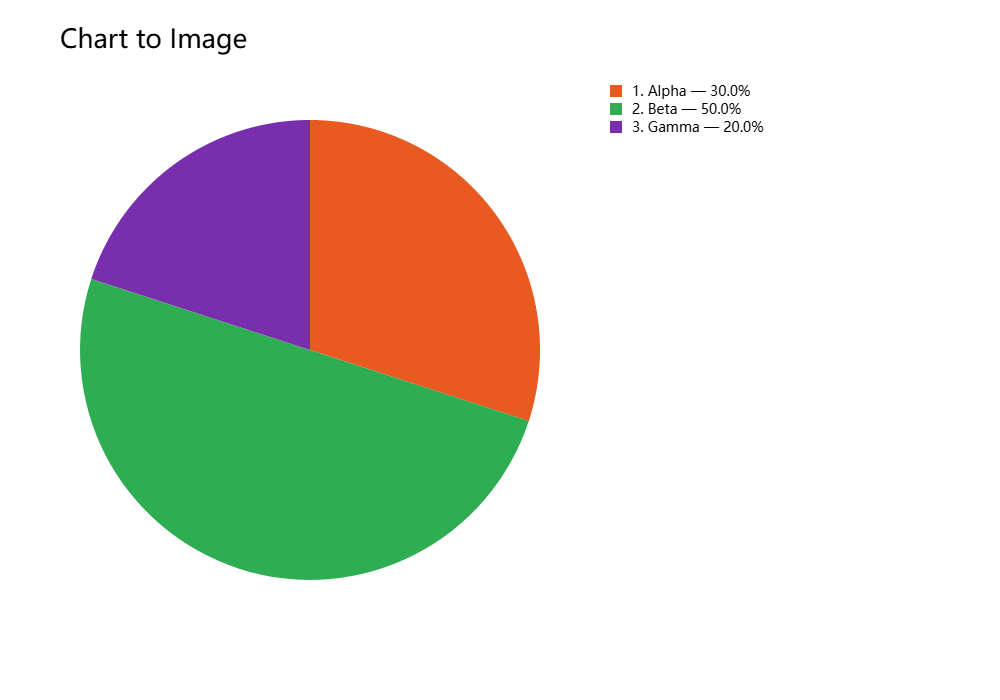
Real sample input and the result produced by this tool.
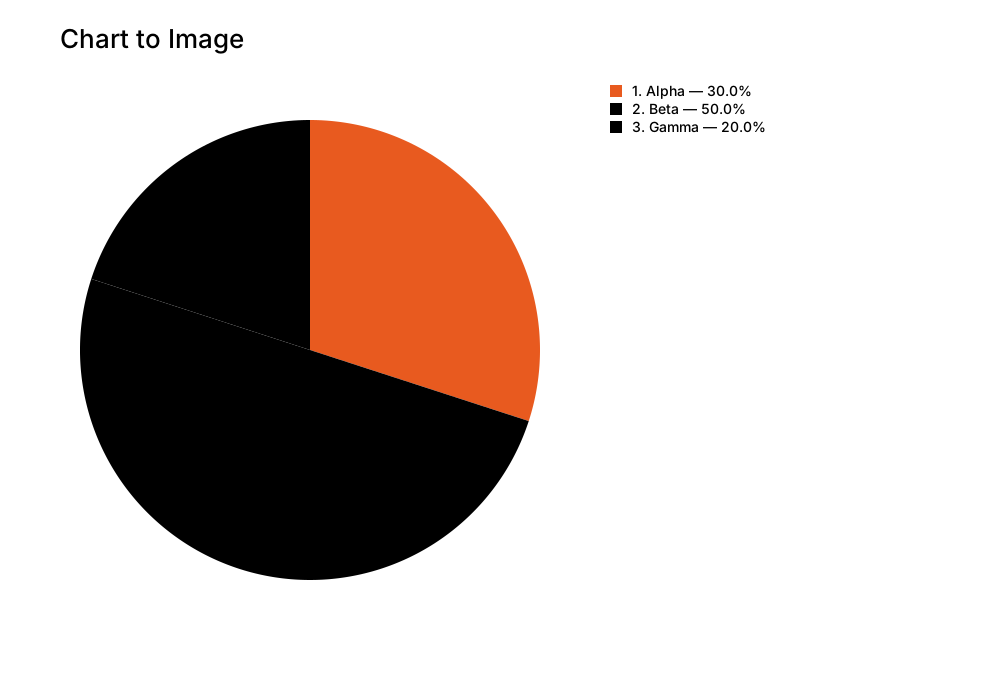
Alpha,12
Beta,20
Gamma,8
Example settings: source: local tool export
Samples contain public test data. Text previews may be shortened; downloads contain the complete files.
Enter labels and numbers to create a bar, line or pie chart. Download a PNG or editable SVG.
One label,value pair per line; 1–30 rows, labels up to 18 characters. Pie values must be non-negative with a positive total.
Add or set: Labels and values / Chart title.
Adjust Chart type / Color / Background and inspect Preview.
Choose “Download PNG / Download SVG”. Check the downloaded image at its original size.
questions
One label,value pair per line; 1–30 rows, labels up to 18 characters. Pie values must be non-negative with a positive total.