
Do my files leave this browser?
Files stay in this browser. There is no upload or remote conversion.
Paint by numbers
Simplify a photo into connected colour regions, numbered outlines and a colour key.
PNG/JPEG · 1 × 20 MiB · 16 MP · 8192 px · 16:1 · Colours: 4–24 RGB · Detail: 128/192 px · Regions ≤ 600 · PNG ≤ 2048 px
This is a simplified polygon pattern, not a numbered pixel grid. Narrow regions merge to make room for labels, so details can disappear. RGB colours are estimates, not paint recipes.
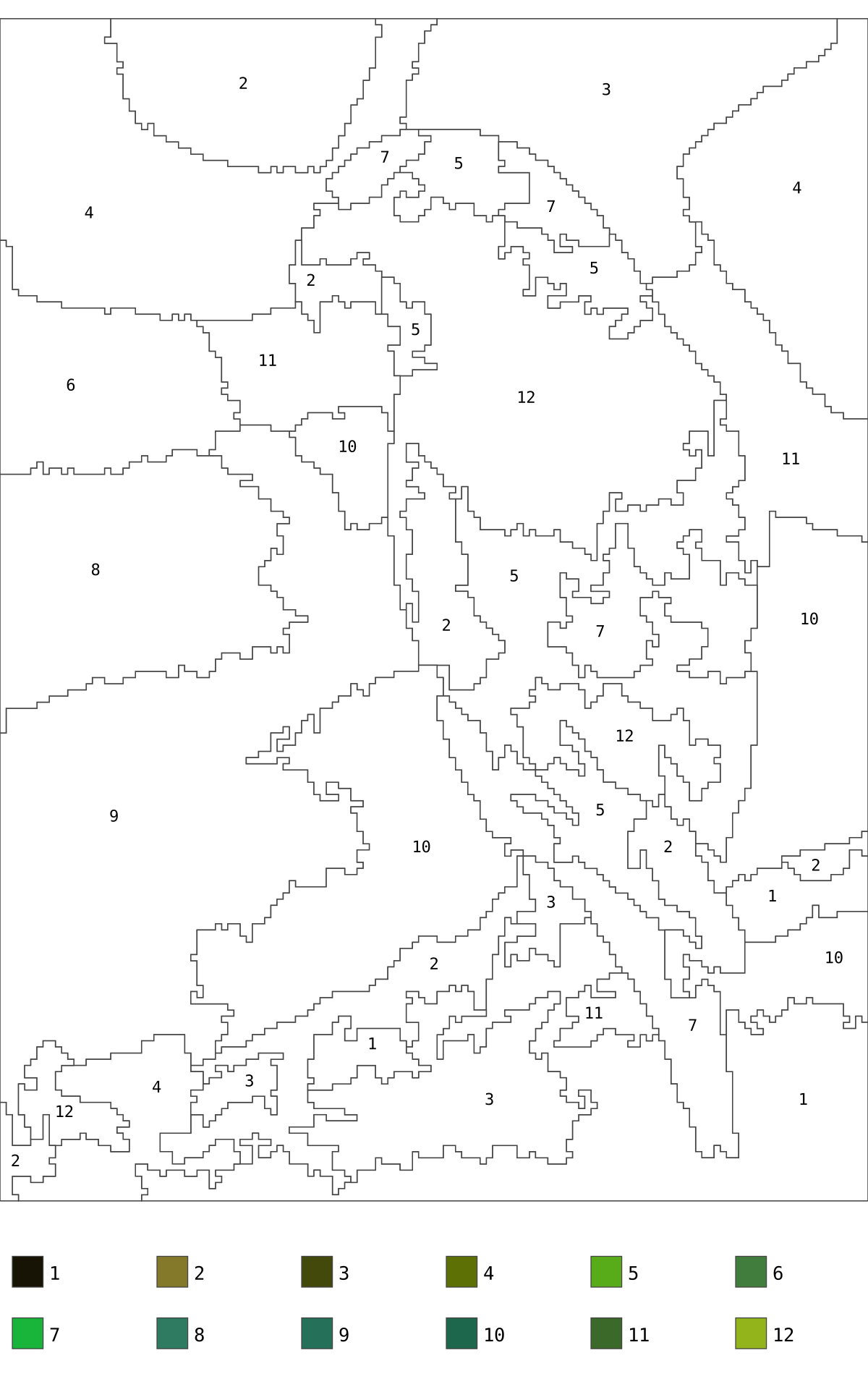
Actual source, generated file and a selected-page preview.
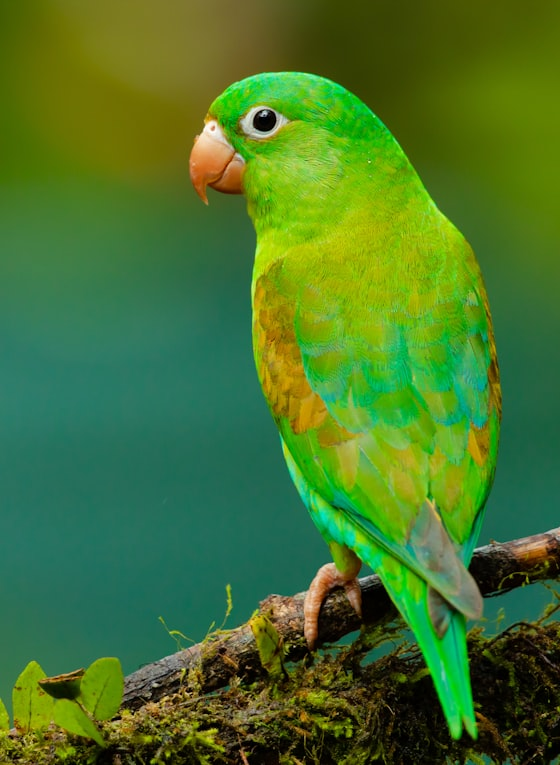
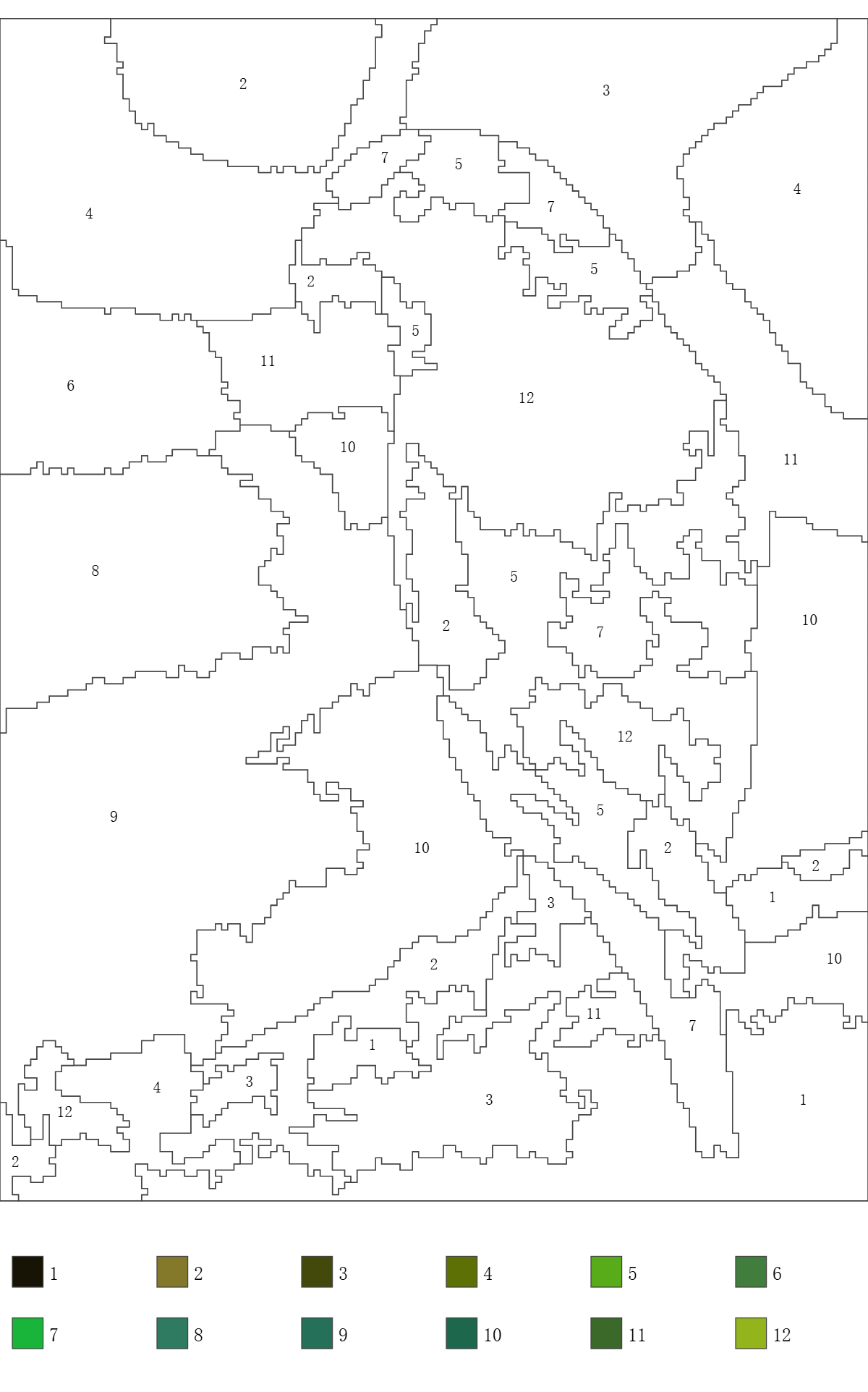
Example settings: inputFiles: 1 · requestedColours: 12 · gridLongEdge: 192 · minimumRegionPixels: 24 · regions: 39 · outputFiles: 4
Previews show the listed page or entry. Download the original files to inspect all content.
Simplify a photo into connected colour regions, numbered outlines and a colour key.
This is a simplified polygon pattern, not a numbered pixel grid. Narrow regions merge to make room for labels, so details can disappear. RGB colours are estimates, not paint recipes.
Open a local PNG or JPEG and review the preview.
Set colours, detail and simplification, then generate the pattern.
Review the numbers and download the SVG/PNG pattern, colour reference and palette CSV.
questions
Files stay in this browser. There is no upload or remote conversion.
PNG/JPEG · 1 × 20 MiB · 16 MP · 8192 px · 16:1 · Colours: 4–24 RGB · Detail: 128/192 px · Regions ≤ 600 · PNG ≤ 2048 px
This is a simplified polygon pattern, not a numbered pixel grid. Narrow regions merge to make room for labels, so details can disappear. RGB colours are estimates, not paint recipes.